Mods and item catalog
Use these pages when you need to inspect what the running server has loaded or find a game definition.
Mods
Open Mods to see installed Mod entries and their load-state details. This page is a catalog of the current installation; installing, removing, or updating Mod files still happens on the game host and normally requires a server restart. If an expected Mod is missing, inspect the server log in Chat and console.
Items and blocks
Open Items and blocks to search the game's item and block definitions. Use the exact definition name when checking a server command or another configuration. The catalog is for browsing; selecting an item does not grant it to a player or change the world.
Switch between Items, Blocks, or All, and search by display name, internal name, or icon name. Hidden definitions are excluded by default; enable their display when needed. Hover over a card or focus it with the keyboard to inspect metadata. Its context menu can copy the internal or localized name. Use the internal name for player item grants and native commands.
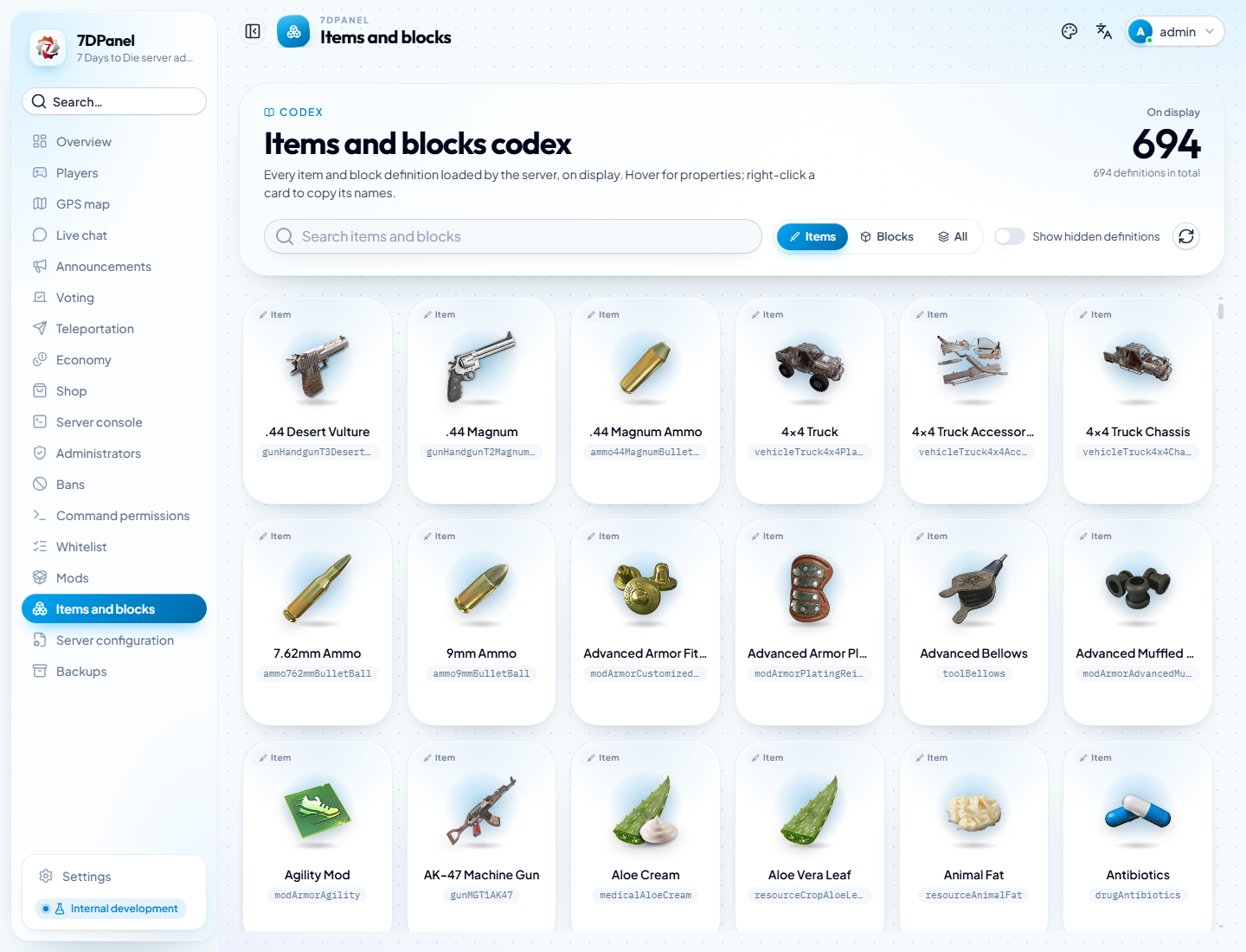
The catalog shows definitions loaded by the configured server. Installing or updating Mods can change the available entries.
Buff definitions and grants
Buff definitions are selected in the Shop product editor, where duration and stacking details are shown. There is no separate Buff tab in Items and blocks or player Buff-grant dialog.
For a deliberate administrator Buff grant, use the Server console command 7dpanel-givebuff <idOrName|--all> <buffName> (alias 7dpanel-gb). Use the exact Buff internal name; quote player names containing spaces. Only connected, spawned, living players qualify, and --all affects all qualifying online players. This command applies native duration and stacking rules without a Shop charge or offline queue. See the console command reference before execution.