
Teleportation
The Teleportation page manages player homes, landmarks, friend-teleport rules, and their player messages.
Manage travel
- Use Player homes to find a player's saved homes and manage their records. Home limits and player command permissions are configured separately.
- Use Landmarks to create and maintain named destinations. Verify the coordinates and enabled state before advertising a destination to players.
- Use Travel history to inspect recorded attempts and their execution and payment evidence.
- Use Configuration to control travel features, command names, request timing, and any configured currency costs.
- Use Message templates to review or override messages shown to players.
Players normally capture a new home position and travel using in-game chat commands. Editing a home record in the panel does not capture an online player's current position or send that player home. Check the effective command names in Chat and console. If you charge for travel, review the related Economy configuration as well.
When creating a home, the player field suggests known players. Select the intended player and verify the stored coordinates before saving. Configuration command examples follow the current Chat prefix.
Inspect travel history
- Open Travel history. It loads only while selected and offers manual refresh.
- Filter by player name, travel method, or result. Expand Advanced filters for an exact player ID or time range, then choose Apply filters. Time inputs use the browser's local time; the query converts them to UTC. Reset clears hidden filters too.
- Open a record to review its source and destination, native execution outcome, and any charge or refund reference. Use 25, 50, or 100 rows per page as needed.
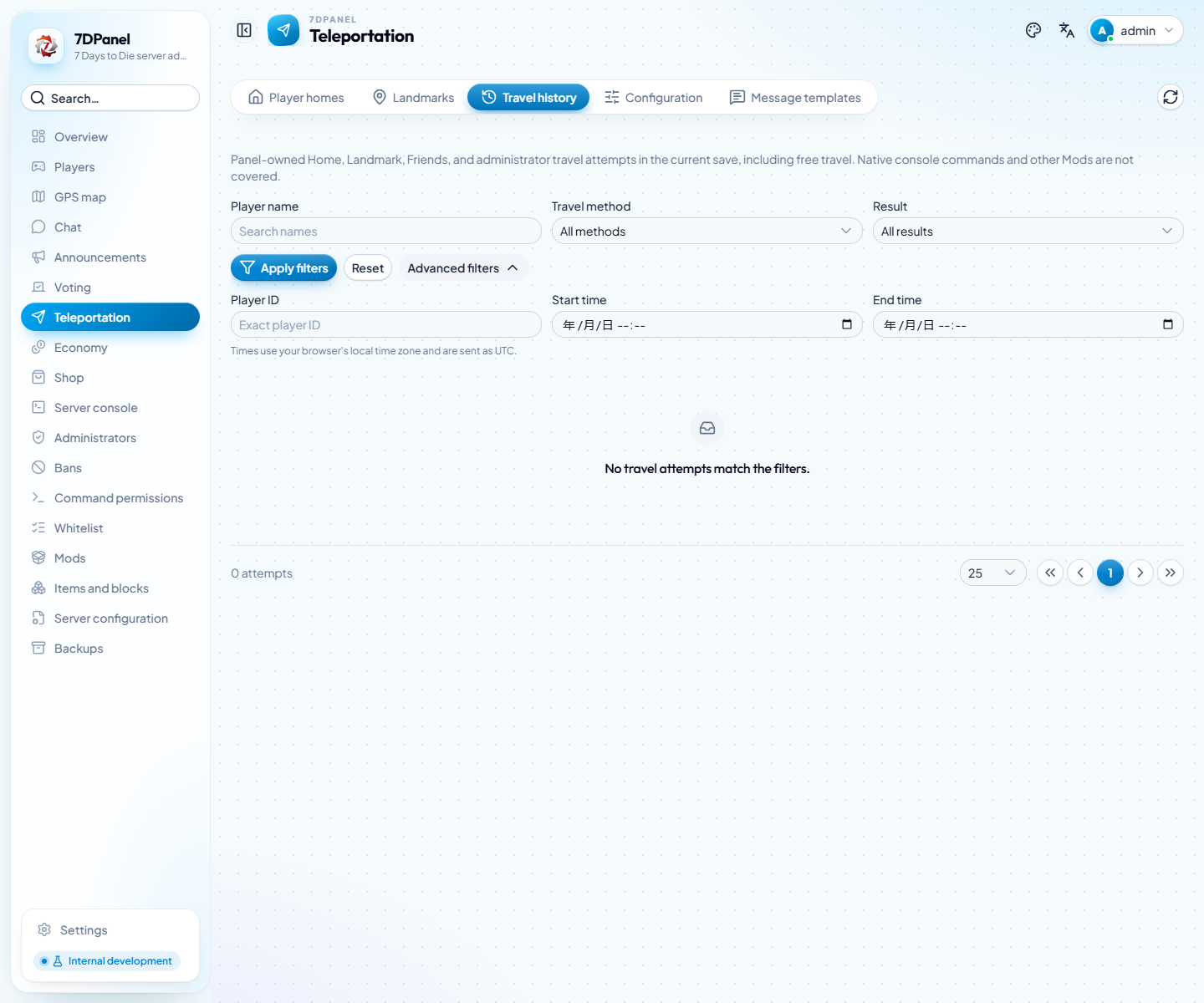
Captured from the current server with no matching travel records. No travel was executed to produce this screenshot.
History is scoped to the current world and save. It covers 7DPanel home, landmark, friend, and administrator travel, including free travel and actions from player or map pages. It excludes native console commands, other Mods, and requests rejected before an executable attempt. Recording starts when the matching backend is deployed; earlier trips are not reconstructed and records have no automatic retention cleanup.
Accepted means the native teleport request was accepted, not that arrival was confirmed. Execution and payment results are separate. Pending or Uncertain records do not provide automatic retry; repeating travel may duplicate an effect or charge. Coordinates are cached observations or requested destinations. Destination Y = -1 requests ground placement rather than reporting the arrival height.